



LUMI FOR INSTITUTIONS · WHITE-LABEL AI TUTOR

Your lectures, now an AI tutor that answers back.

Lumi for institutions is a white-label AI tutor for schools, coaching institutes, medical and nursing programmes, skilling and edtech apps. It talks and draws on a live board in your app, on your website or on the classroom smart board. Students see your own brand: your tutor's name, your syllabus, their language.

Start from one chapter's topic list. Your teachers approve each library lesson before students see it.

Lumi teaching in our own app. Inside yours, the same board carries your name.
Devesh Mishra
Who builds it

Devesh Mishra

SketchMind is built by Devesh Mishra and team. Devesh Mishra was the CTO of PhysicsWallah, an education company in India.

Who it is for

One AI tutor for schools, coaching, medical and nursing, skilling, government exams and higher education

01 of 04

AI tutor for schools, any class

On the classroom smart board and on your school website. No app needed: your developer opens the tutor on your website. The teacher stays in charge of every lesson.

Start with one chapter
02 of 04

Coaching institutes: JEE, NEET and boards

Your own tutor inside your app, online or across centres. A doubt typed at 11 pm is answered on the board, and your teachers see how many were asked.

Start with one chapter
03 of 04

Medical and nursing exams

Lessons built from your own notes, with your material as the reference and your reviewer's decision final. Material lessons are switched on when you start. Taught in English, Hinglish, Hindi, Bengali, Tamil or Kannada.

Start with one chapter
04 of 04

Skilling, government exams and higher education

The tutor opens inside the LMS you already run, course by course. Lesson events come back to your systems by webhook.

Start with one chapter
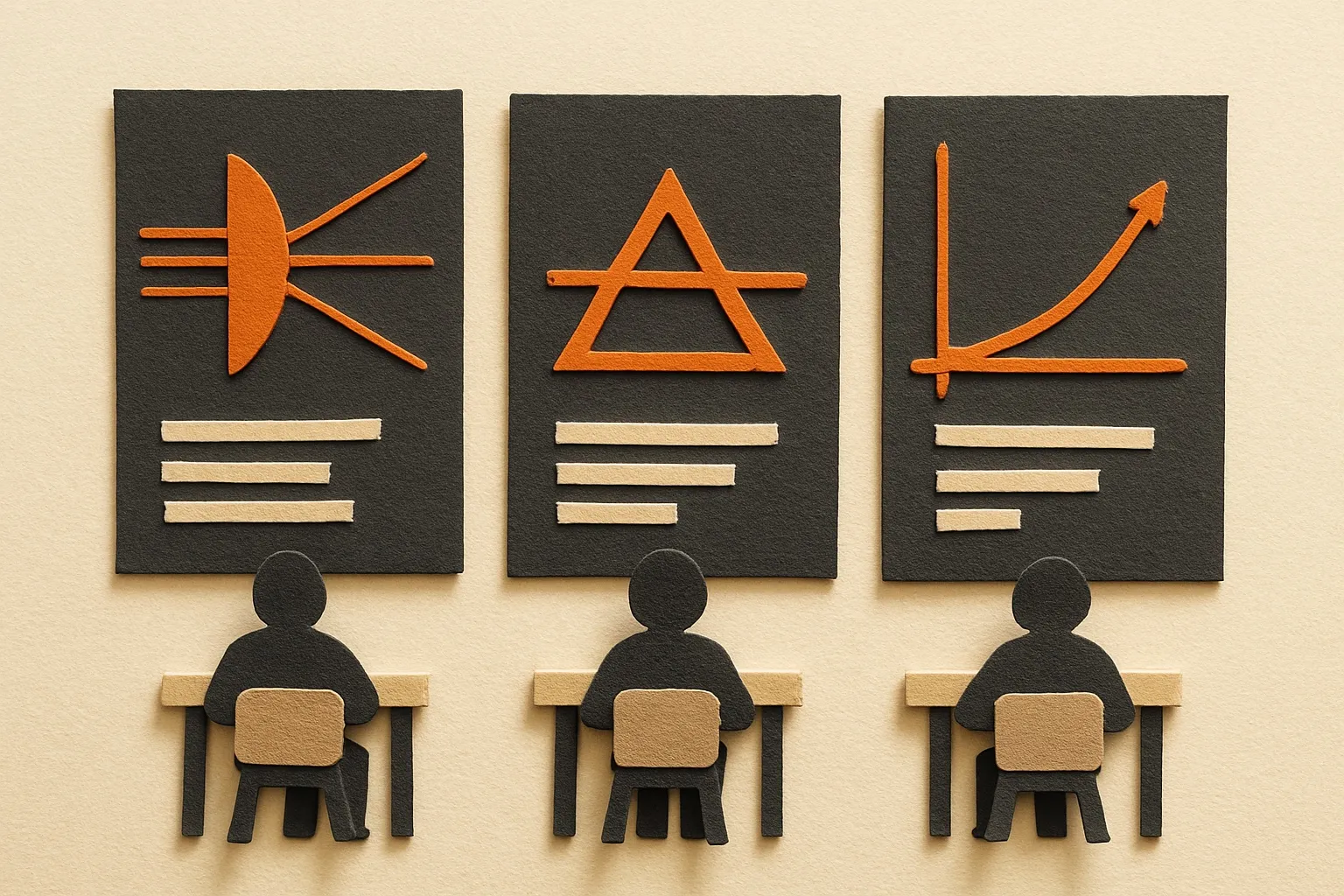
The same topic opening three different ways for three students, three boards side by side.
Three boards play side by side to show the lesson adapts to each student.
Inside your app or your courses

Ask Lumi: a lecture made for one student

Any topic from your syllabus, at any hour, starting from what the student already knows.

  • Student

    Picks a topic, says what they already know.

  • Lumi

    Teaches it live on the board and slows down when they are stuck.

  • You

    One-to-one teaching on your syllabus, in your order.

What you bring: your syllabus.

Your topic list becomes lessons, your teacher approves each one, and students open it under your tutor name.
Your topic list becomes lessons; your teacher approves each one before a student opens it.
Launch a segment before you hire its teacher

A lesson library under your own brand, approved by your teachers

Give us a topic list and your notes. Each lesson is built for your institution and approved by your teacher, before you have recorded a single lecture. We switch this on for your institute when you start.

  • Student

    Opens a chapter in your app, under your tutor's name.

  • Lumi

    Builds each lesson in six languages and hands it to your teacher.

  • You

    Nothing reaches a student until your teacher approves it.

What you bring: a topic list, your notes, one reviewer.

Yours alone: built for your institution only, never used for another partner.

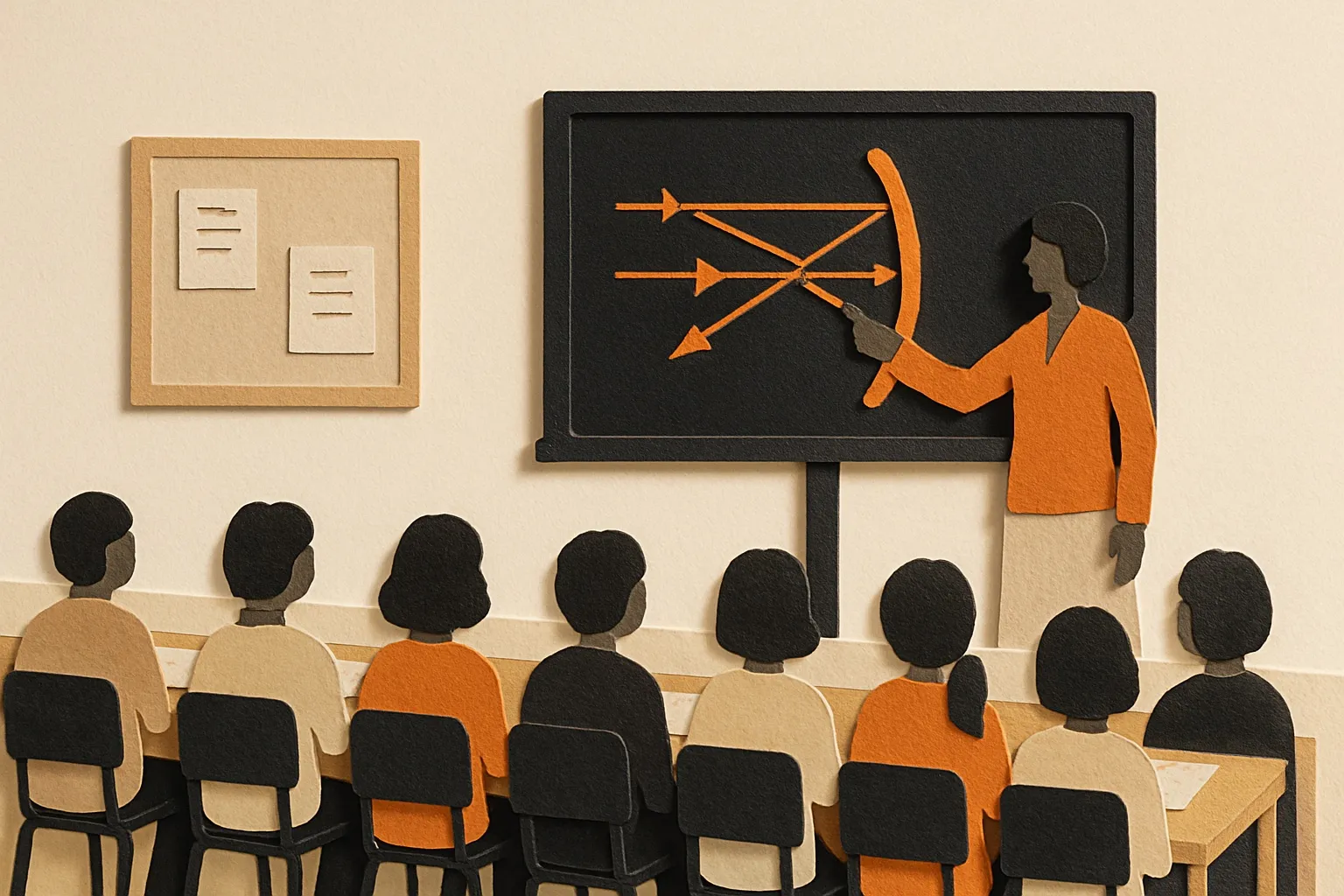
A smart board redrawing a ray diagram while the teacher stands in front of the class.
Teacher asks, the board redraws, the class follows, the teacher continues.
In class

An AI teaching assistant on the classroom smart board

Lumi draws and explains on the smart board your classroom already has. The teacher pauses it, asks it to explain again, and takes over at any point.

  • Teacher

    Asks for the ray diagram the class did not get.

  • Lumi

    Draws and talks; the teacher pauses, asks, or takes over.

  • You

    One screen, one connection, teacher in charge.

What you bring: a smart board with a browser.

A student at a laptop: your lecture video on the left, a board on the right.
On YouTube

Lessons from your YouTube lectures

The lectures you have already recorded, taught again on a board that answers back.

  • You

    Add a lecture's link to a lesson, and the tutor teaches from that lecture.

  • Lumi

    Teaches it on a board under your name.

What you bring: links to your lectures.

More inside your app
A phone at 11 pm: a doubt typed in Hinglish, the board answering below it.
Inside your app or website

A doubt-solving desk for your students, at any hour

Answered on the board. Your teachers see the question counts.

  • Student

    Types a doubt after school, or at 11 pm before an exam.

  • Lumi

    Answers on the board, in Hinglish if that is how they asked.

  • You

    Routine doubts answered before they reach a teacher.
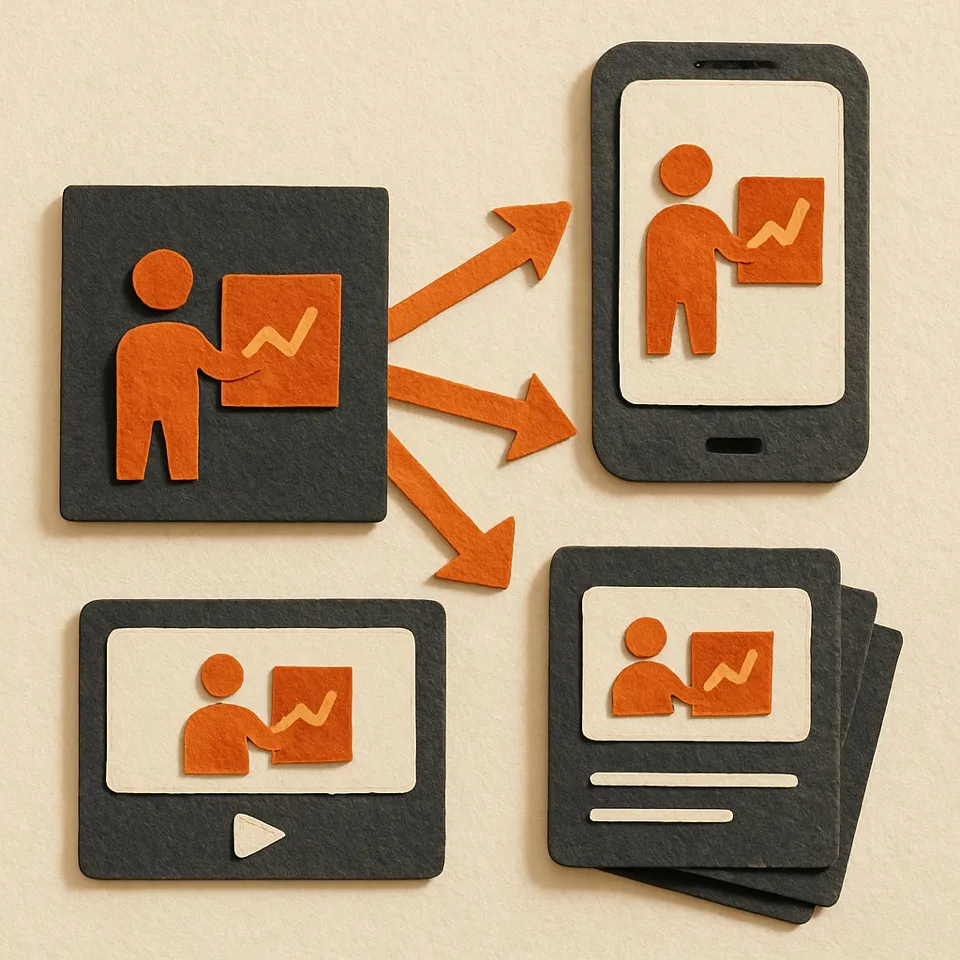
A real 9:16 short and a 16:9 cut playing inside the flywheel: lecture, lesson, videos, your channels, your app.
In your content studio

Videos for your app and channels, from one approved lesson

The lesson your students open also becomes content you can publish.

  • You

    Pick a lesson.

  • Lumi

    Renders a board video; shorts and long cuts we make with you.

  • You

    A new segment's first content, already approved.

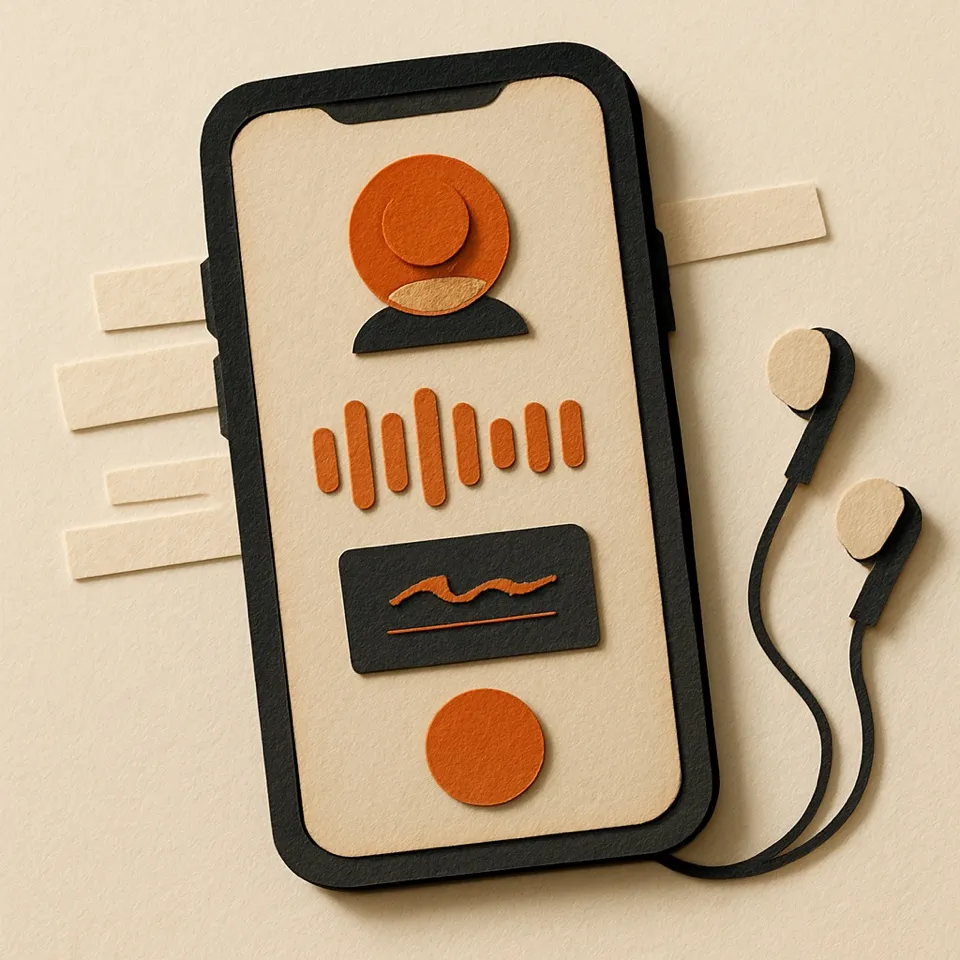
A call screen with the voice waveform and a small board sketching as it speaks.
Coming soon

Call Lumi

Help on a voice call, with a small board alongside, inside your app. Not available yet.

One board, the same drawing, three audio tracks switched by a tap.
Inside your app

One lesson, every language your students speak

English, Hinglish, Hindi, Bengali, Tamil and Kannada. Others on request.

  • You

    Each library lesson can be recorded in every language you teach in, and your app opens it in the one the student reads.

  • Lumi

    Same board, same order, a different voice.

  • You

    One library for every state you teach in.

Your teachers in charge

Approved first, counted always, flagged in one tap

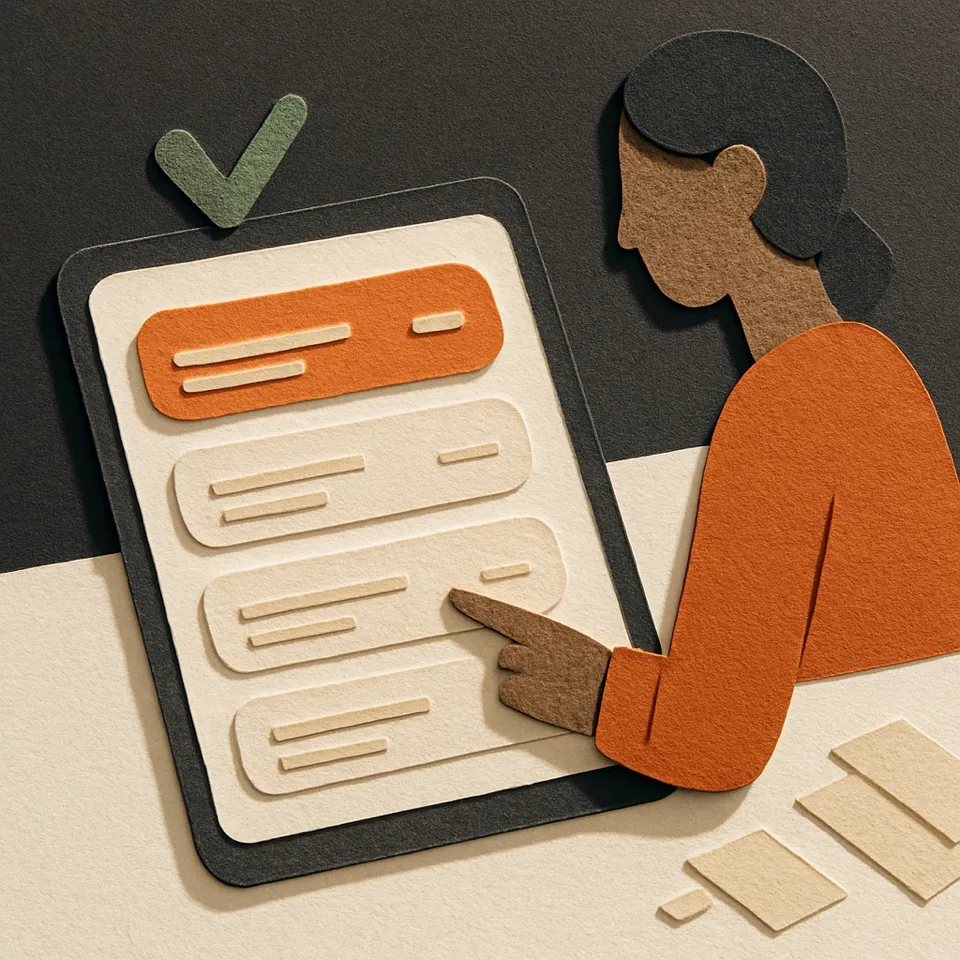
A teacher approving a lesson in the console
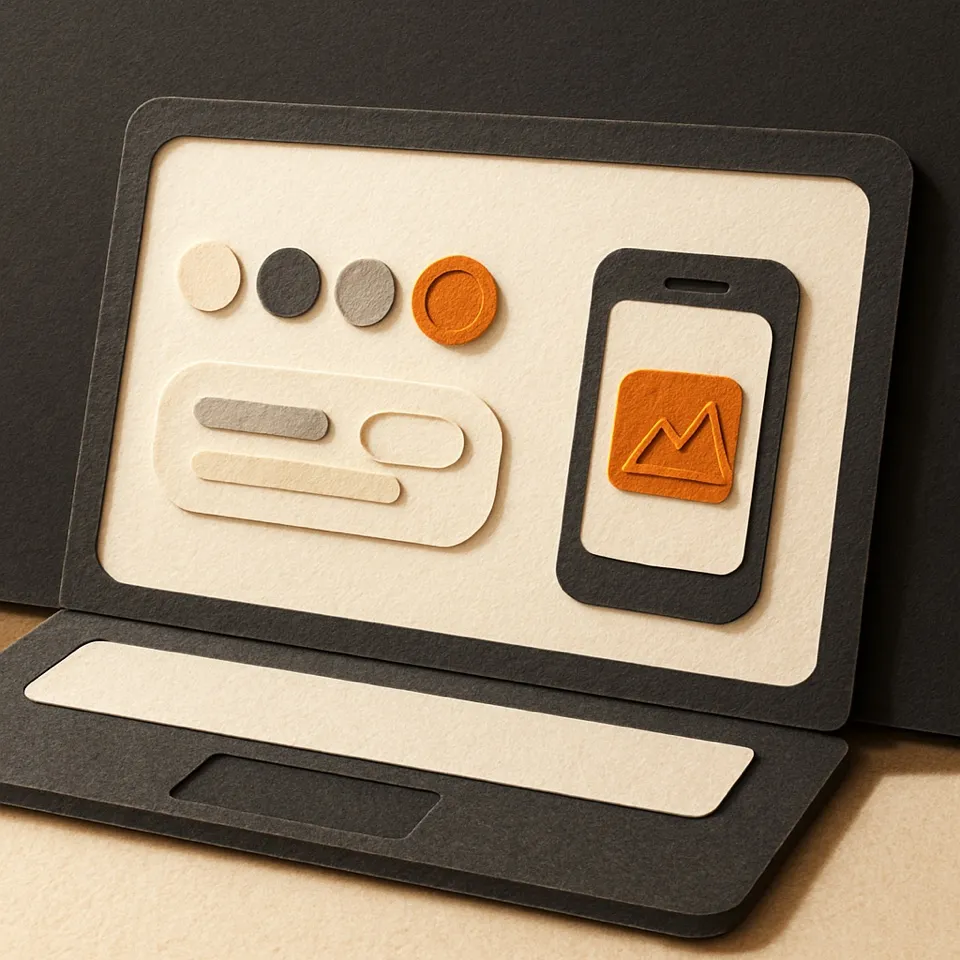
Tutor name, voice and colours in the console
Each student's progress in the console, with search by batch or centre
Library lessons

Approved by your teacher before release. Your material is the reference; your reviewer decides.

Live answers

Your teachers see how many questions were asked in each lesson. Any student can flag a step, and you can switch live answers off per plan.

The voice

A voice you choose. Your teacher's order and notation, never an imitation.

You see each student's progress topic by topic, and you can find students by batch or centre.

Start a pilot

Start with one chapter

  1. 1Pick one chapter from your syllabus.
  2. 2See it under your name in a sandbox.
  3. 3Run it with one class and read three numbers: questions answered by the tutor, lessons completed, steps marked unclear.
What we need from you
  • One chapter's topic list
  • One teacher to review
  • Where students will open it
FAQ

Questions institutions ask first

What is Lumi for institutions?

+
Lumi for institutions is a white-label AI tutor from SketchMind for schools, coaching institutes, medical and nursing programmes, skilling and edtech apps. The tutor talks and draws on a live board in your app, on your website or on the smart board, under your own name. Your teachers approve every library lesson before a student opens it.

How does a school or coaching institute start with Lumi?

+
You start with one chapter. Send its topic list, see the lessons under your own name in a sandbox, and run them with one class. Then read three numbers: questions answered by the tutor, lessons completed, and steps marked unclear.

Why not build it ourselves?

+
A model behind a canvas is the easy part. The hard parts are voice and drawing in sync, Hinglish that sounds like a teacher, lessons from your material, and a review loop your teachers accept.

How much work is this for our developers?

+
One server call and an embedded player. The integration guide walks your team through it, sandbox first.

Can it be wrong?

+
Yes. Library lessons are checked by your teacher first. For live answers, any student can flag a step, your teachers see how many questions were asked in each lesson and which lessons students marked unclear, and you can switch live answers off.

Does it teach from our content or from the open internet?

+
Library lessons recorded from your material are taught from it, and where a lesson disagrees with it, your reviewer decides. A doubt asked outside those lessons gets the tutor's own explanation.

We have no app for our school or coaching classes yet. Where do students open it?

+
Your developer adds one server call and opens the tutor on your website. The integration guide walks them through it, sandbox first. No app needed.

Is this a white-label AI tutor? Whose brand do students see?

+
Yours. You choose the tutor's name, voice and colours in the console. Students open it in your app, on your website or on your smart board. They meet your tutor, under your own brand.

Does it replace our teachers?

+
No. Your teachers choose the order, and the notation in the notes you give us. They approve library lessons, and see how many questions were asked in each lesson and which lessons students marked unclear. The tutor takes the routine doubts and the explanations that need repeating.

Which languages?

+
English, Hinglish, Hindi, Bengali, Tamil and Kannada. Others on request.
Talk to us

Tell us what you teach

We reply with a walkthrough and a sandbox under your name. No slides, a real lesson on your chapter.

How it is priced is the first thing we cover on the call.

Prefer email? Write to support@sketchmind.ai. Already a partner? Sign in to your console or read the guides.

We reply from a named person, not a bot.

See it under your name first.

A sandbox under your name, a real lesson on your syllabus.

Start a pilot

Last updated: